

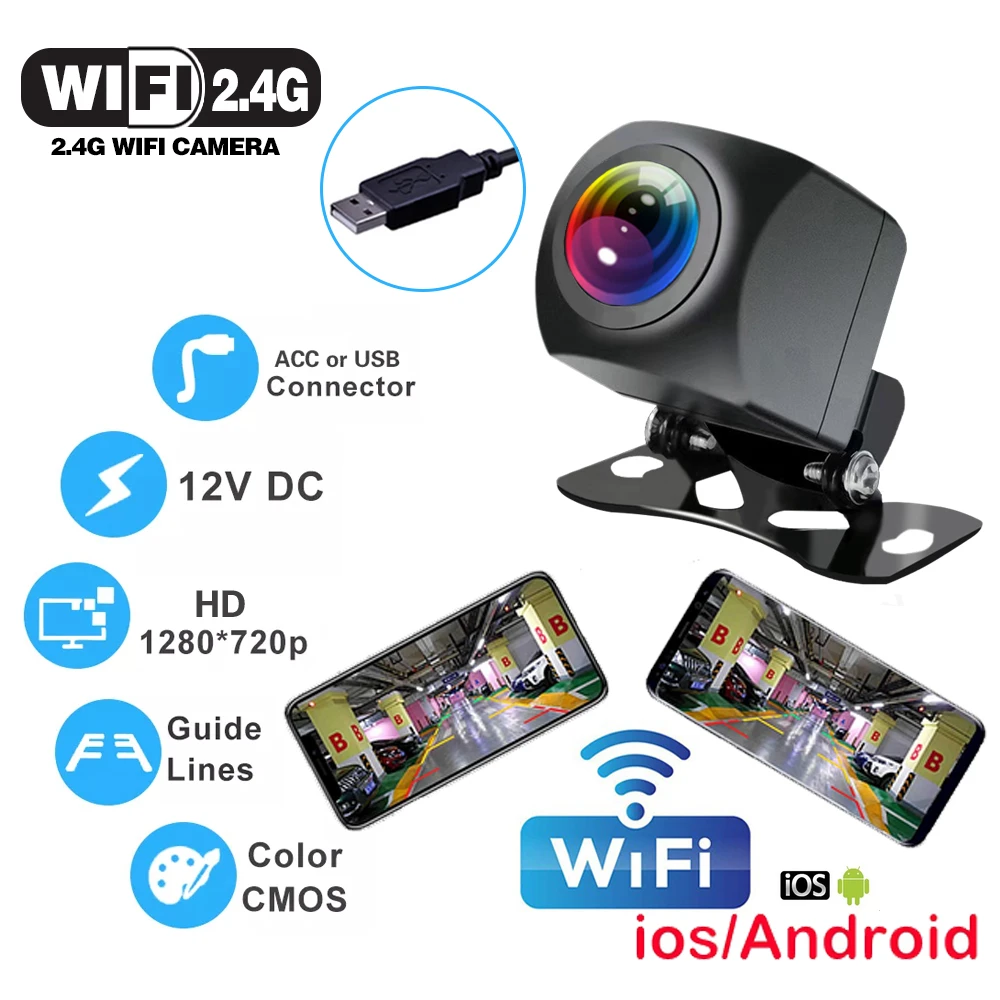
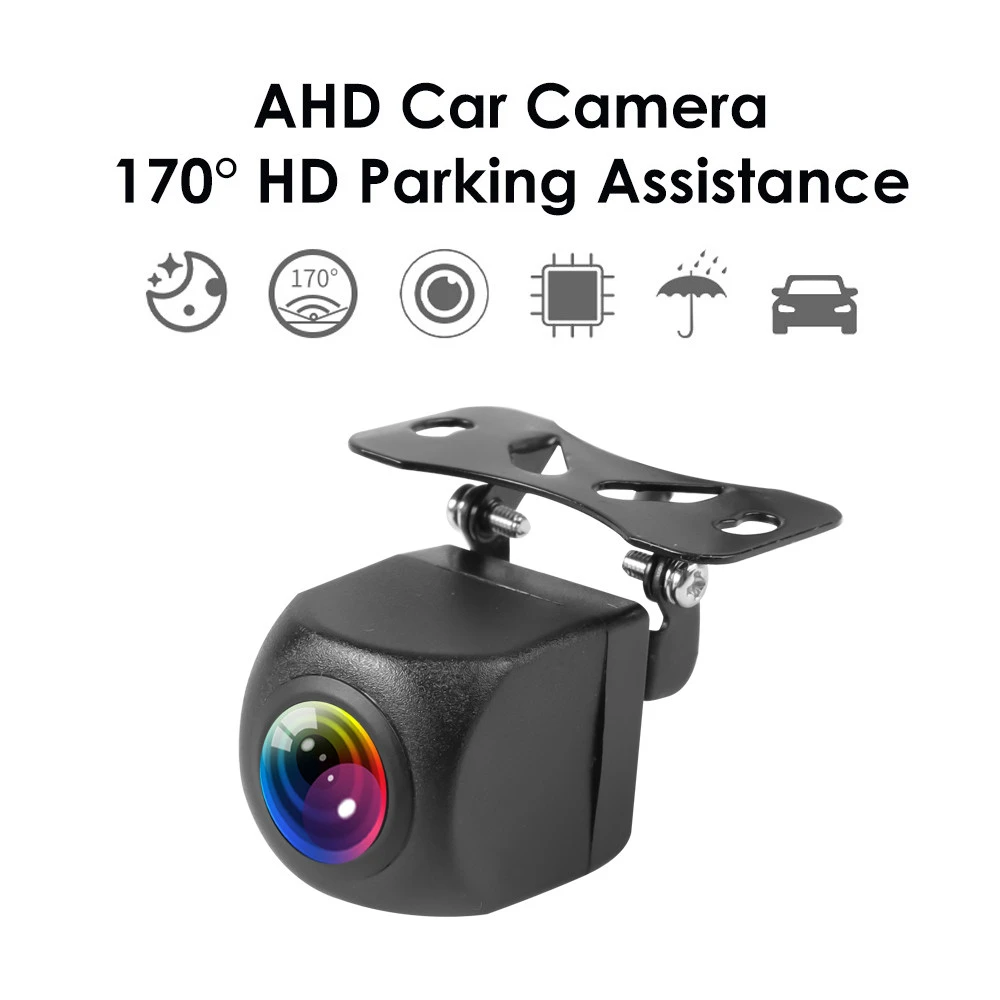
Car Rear View Camera Wifi HD 170 Degree Rear View Camera Wireless Waterproof Wifi Backup Camera 12V 24V for Android Ios
For 12-24V Cars
Sale price
$32.95
Regular price
$65.95
Skip to product information

1*3M adhesive






SPECIFICATIONS
Alarm Type: ACCESSORIES,Rear Side
Brand Name: kebidumei
Certification: CE,None
Choice: yes
Feature: Reversing Camera
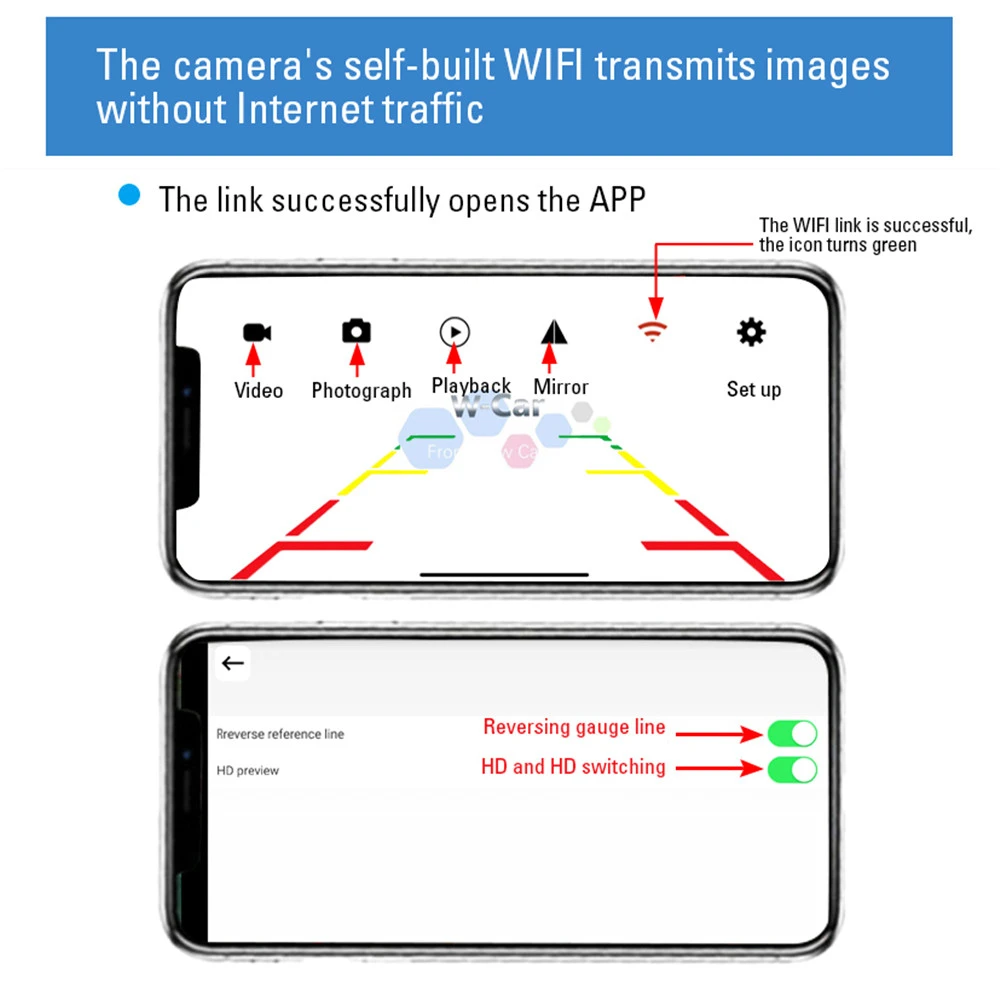
Guiding Line: Yes
High-concerned chemical: None
Item 1: Vehicle Camera
Item 2: Car DVR Vehicle Camera
Item 3: USB Rearview WIFI Camera
Item 4: AHD Car Camera
Item 5: HD Parking Camera
Item 6: WIFI Car Camera
Length of Video Cable: 2m,6M
Lens Material: Plastic + Glass
Material: ABS
Origin: Mainland China
Resolution: 1280*720P
Shell Material: Aluminium alloy
Support: Guide Lines
Viewing Angle : 120°
Wire or Wireless: WireLess
Notice:
The option "for 12V cars" can be directly connected to the battery of a 12V car,
and the option "for 12V-24V cars" with 6 meter USB extender cable can be connected to the usb port of your 12V or 24V cars.
Wifi wireless car camera(Front&rear mount available)
Transmission mode:Wi-Fi digital signal
Video compression:H.264
Antenna specification:Omni directional
Transmission distance: 10M In car
Working temperature:-10C~+50C/-4F~+122F
Storage temperature:-20C~+60C/-4F~+140F
Working humidity:85% RH
Sensitization chipset:OV chips
Image pixel:1280*720P
Angle of view:125~150 degree
Minimum illumination:2.0Lu/F1.2
Transmission power:80mW
Power:DC 12V
Night vision distance:5~10M
Waterproof level:IP66
Fixed mode:hanging type
Product list:
1*Camera,
2*screw,
1*extension cord.
1*3M adhesive
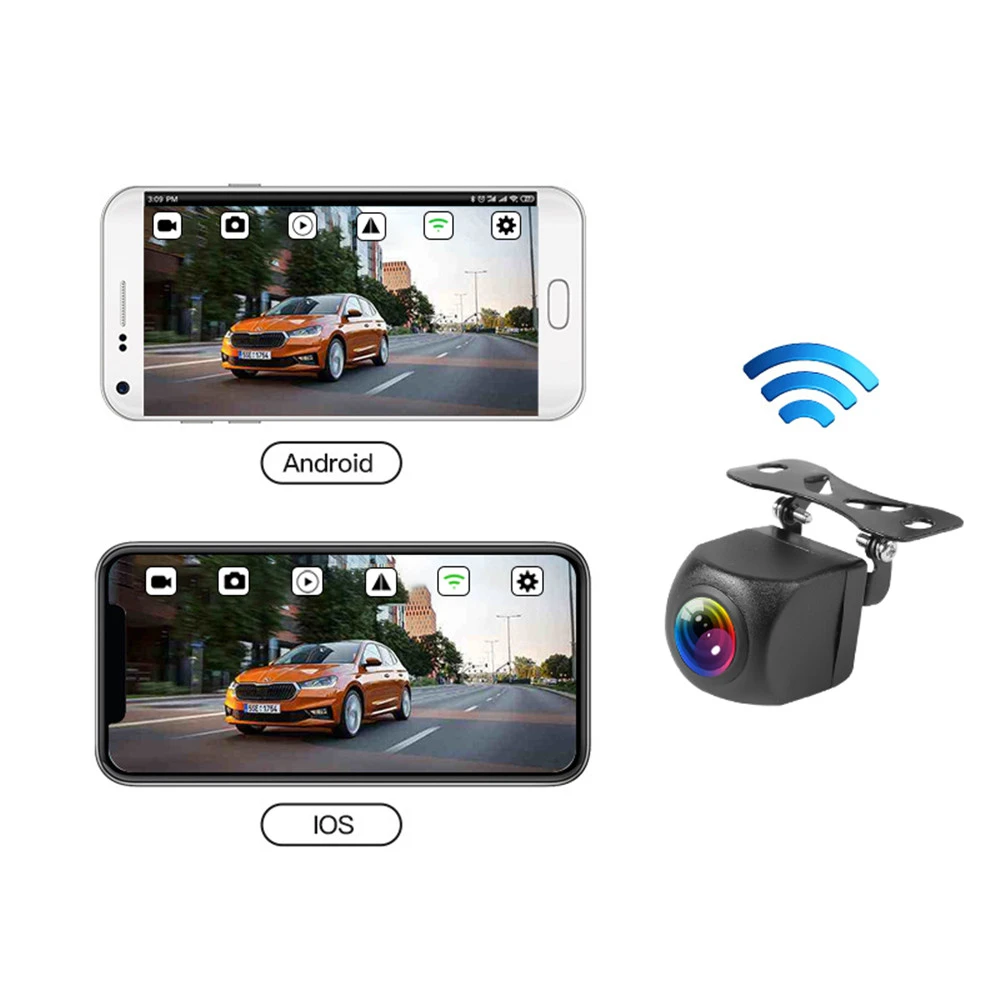
Receiver: Android 5.0 above and IOS system with Wi-Fi mode
Function:
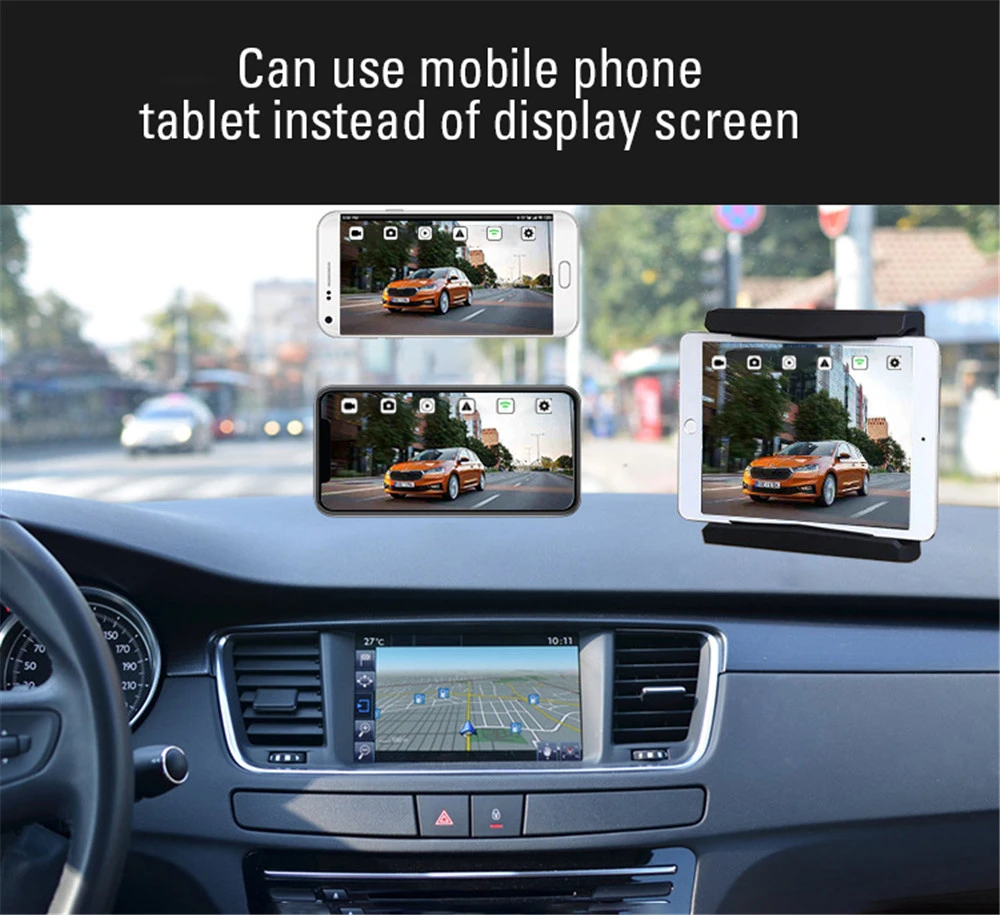
1.Intelligent video recording function Video recording and video sharing functions can be achieved by connecting your phone or pad with WIFI of the camera.
2.Functions of the intelligent electronic rear view mirror.Real time viewing of images behind vehicles can be done through mobile devices.
3.Intelligent forward-looking functions
It can be installed In front, rear, left and right visual blind area, and the software can be opened for real-time monitoring.
How to use the wifi camera?
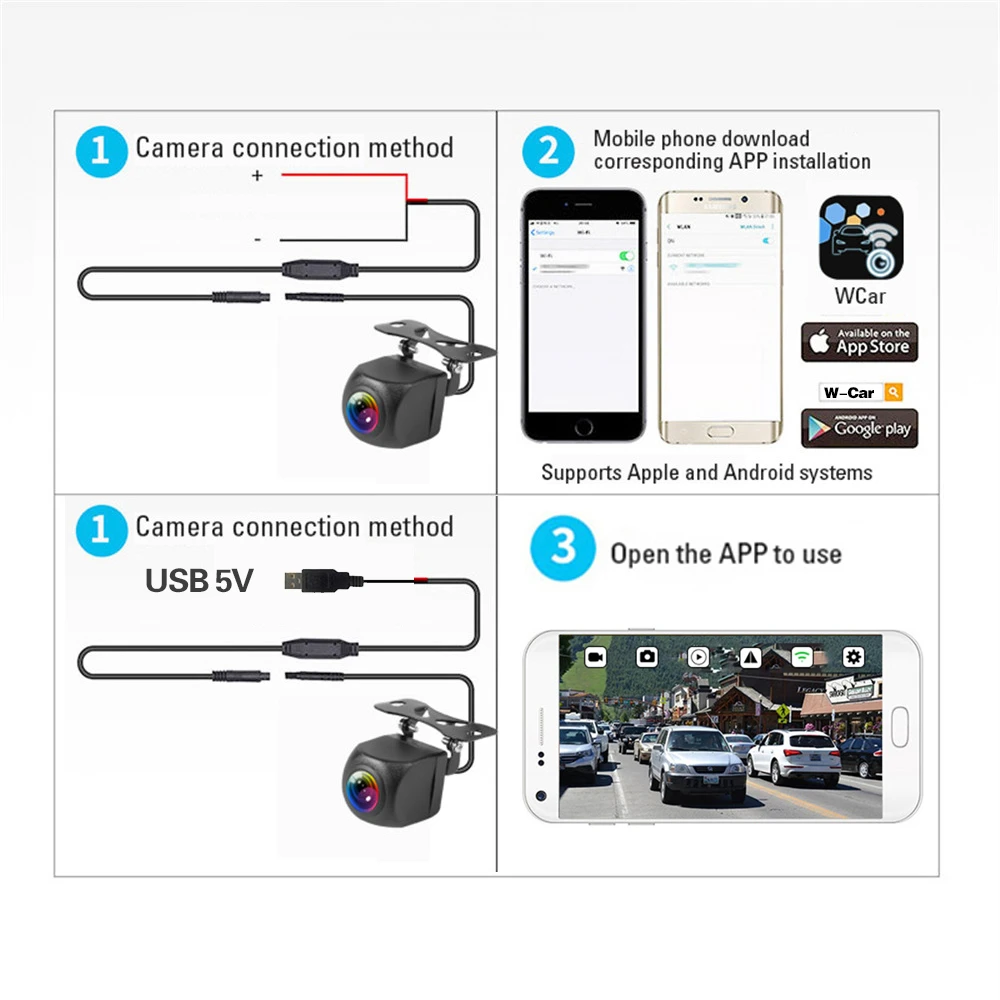
1.Open the scan window and scan the qr code of the product manual.
Apple devices enter the APP Store search: W-Car download;
Android device enters Phone APP Store and search: W-Car download;
2.Use details:
●Android device usage:After connecting to the WIFI of W-Car………… SSID. the APP video will pop up automatically. When 4G network is needed, click exit, and the connection between W-Car………… and the software background will be automatically disconnected be.
● IOS Old System usage:
1. After software Installation, set static IP. Connect to wifi_camera_xxxxx ………… name WIFI
2. enter the WIFI setting interface, remember the two lines of Numbers under "DHCP" (IP address Subnet mask), click static" here, and fill the two lines of Numbers under the static button(IP address Subnet mask)
3. Click back to set successful. Static IP can be set to realize simultaneous communication between WIFI and AG without affecting the phone's Internet access.
● IOS New System usage:
1 Find wifi_camera_xxxxx………… name WiFi
2. Remember in the IPV4 address bar: IP Address Subnet Mask. Router. these three lines of Numbers
3. Click"Configure IP", select "Manual", fill in the following three rows of Numbers in the bottom click save.
Product installation (very important, please read carefully)
1. First, turn off the on-board power supply. When the power cord of the camera is not properIy connected, do not power on it.
2.Determine the type of camera and select the installation position method Rear view product installation method;
Methods 1; Red power cord fuse box ACC power supply 12V+ positive position, black power cord fuse box negative GND wire harness, start the vehicle to use.
Method 2: Wire the power cord,(red 12V positive pole, black negative pole) plug in the cigarette lighter, yellow is the reverse trigger line can not connect, press the switch can be used.
Side view product installation method;
Methods 1: Connect the power cord,adjust the camera Angle, plug in the cigarette lighter and press the switch
Method 2: Cut open the cigarette lighter switch position of the wire, red and black two wire. Red power cord is connected to ACC power supply 12V+ positive position of vehicle fuse box. Black power cord is connected to negative GND wire harness of vehicle, which can be used when starting the vehicle
6. Troubleshooting
1. No image
Make sure the camera Is connected correctiy,open the WIFI list on your phone, and see if you can find the wifi_camera_xxxx………… hot spot generated by the camera
2. Background operation
You need to turn on the phone Settings and set it to run in the background
3. Video delays problem
Check if the antenna is shielded by metal and the antenna faces the cockpit.